Capture & upload
Start with a lens. Or an album.
Use camera bursts or upload photos, then choose the image you want to work with.
MADE FOR THE MOMENT · WINDOWS DESKTOP
From a moment captured to AI creation and a print to keep. One desktop workflow for making memories tangible.
Windows x64 · Bring your own AI API
01 / CAPABILITIES
Connect every part of the creative process, instead of moving between disconnected tools.
Capture & upload
Use camera bursts or upload photos, then choose the image you want to work with.
AI themes
Generate themed images through your own remote image API. Configure a separate video channel for optional image-to-video creation.
Frames & layouts
Compose photos with built-in or custom transparent frames, tailored to the event.
Lenticular tools
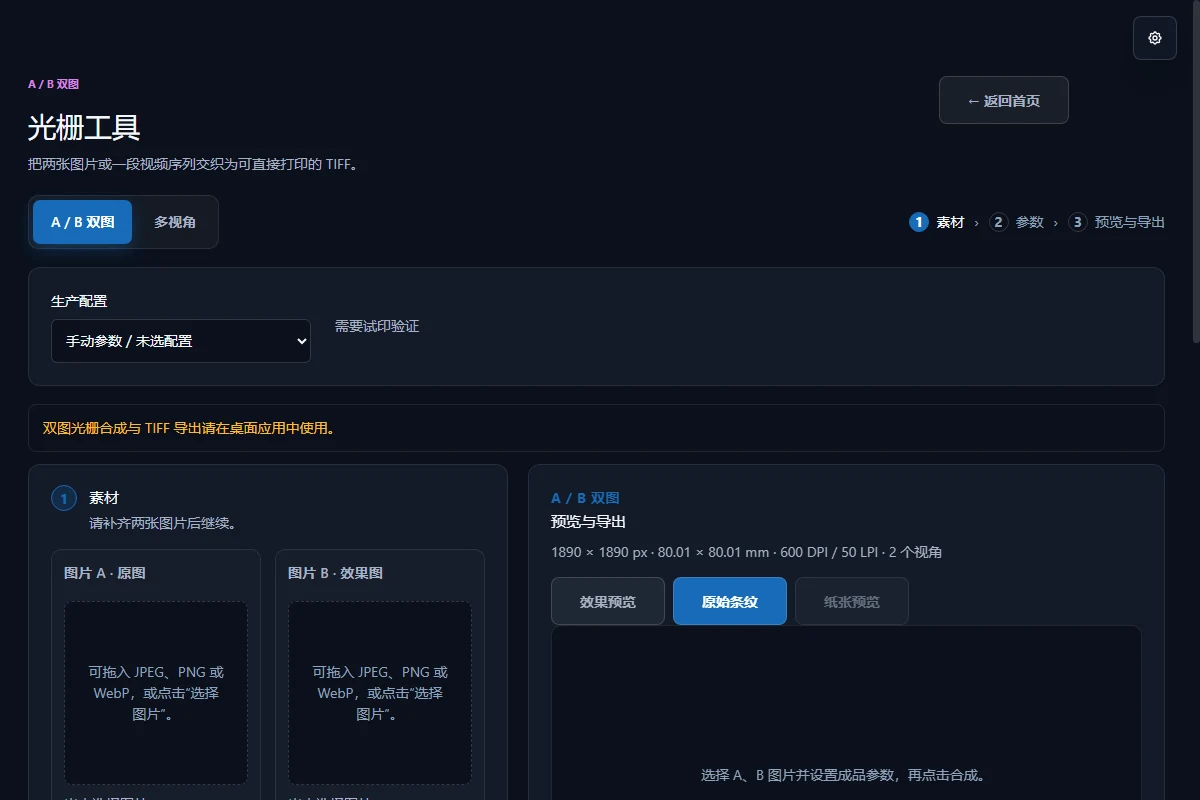
Work with A/B images or 2–120-view sequences. Set physical dimensions, DPI, LPI and phase, then export RGB LZW TIFF.
Print & export
Preview, impose and output through Windows native printing. Physical results require calibration for your printer, paper and lens sheet.
Local asset management
Local SQLite and files keep originals, results, framed photos, videos and derivatives organized, with job ZIP export and import.
02 / WORKFLOW
Keep the moment
Choose the expression
Make the work
Deliver the memory
03 / IN THE FIELD
Turn participation into a personal photo keepsake.
Give shared photos the story and style of the day.
Create, organize and output from one workstation.
Prepare print-ready files for flips and multi-view effects.
04 / FIELD NOTES
Install, connect your API and make your first work.
Understand physical size, pitch and proofing before delivery.
No. This site provides product information, downloads and guides. Use the Windows desktop app for AI generation, local archives, lenticular composition and printing.
Local capabilities such as capture, frame composition, asset management and lenticular creation do not require an AI channel. AI themes and optional video need access to your configured remote API.
No. Supply your own endpoint, model and API key. Fees and restrictions depend on your provider. This website does not collect your API key.
Job data is stored locally in the app data folder or your chosen works folder. AI generation sends the required inputs to your configured provider, so local storage does not mean photos never leave your machine.
Actual lens LPI, driver scaling, paper and phase affect the result. Screen previews are not physical acceptance tests. Use actual-size printing and calibrate your equipment.
In-app updates use Tauri updater signatures. Website downloads include a SHA-256 file to check integrity. This is not Windows Authenticode signing; publisher or SmartScreen warnings may still appear.
05 / GET DREAMSNAP
Install the Windows desktop app. Keep creation and delivery at the same workstation.
Get started →Loading the published release…
Windows x64 · Bring your own AI API